Wind it up
Turn the crank on the gear, clockwise. As the spring runs down, the tune slows and finally stops — just like the real thing. Prefer an endless tune? Switch the spring off in Settings.
A wind-up music box for your phone
Unfold your phone and the lid lifts, the music box begins to play and the melody grows louder the wider you open. Close it — silence. Then punch your own paper tape.
01 / The lid
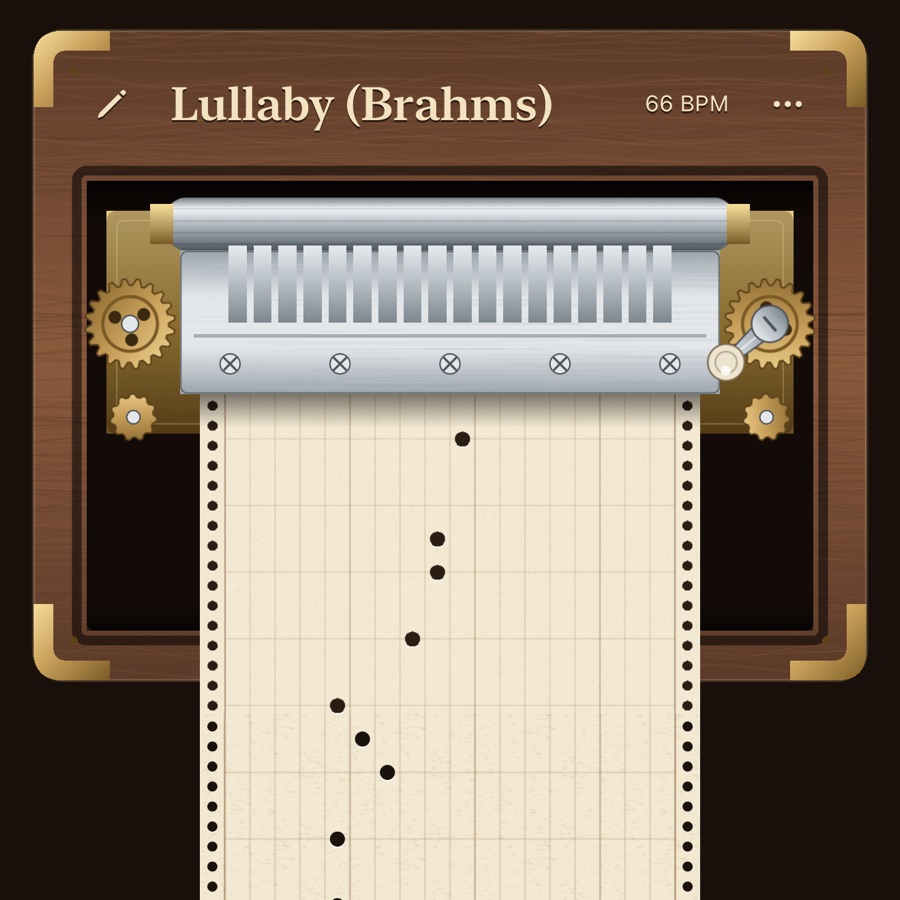
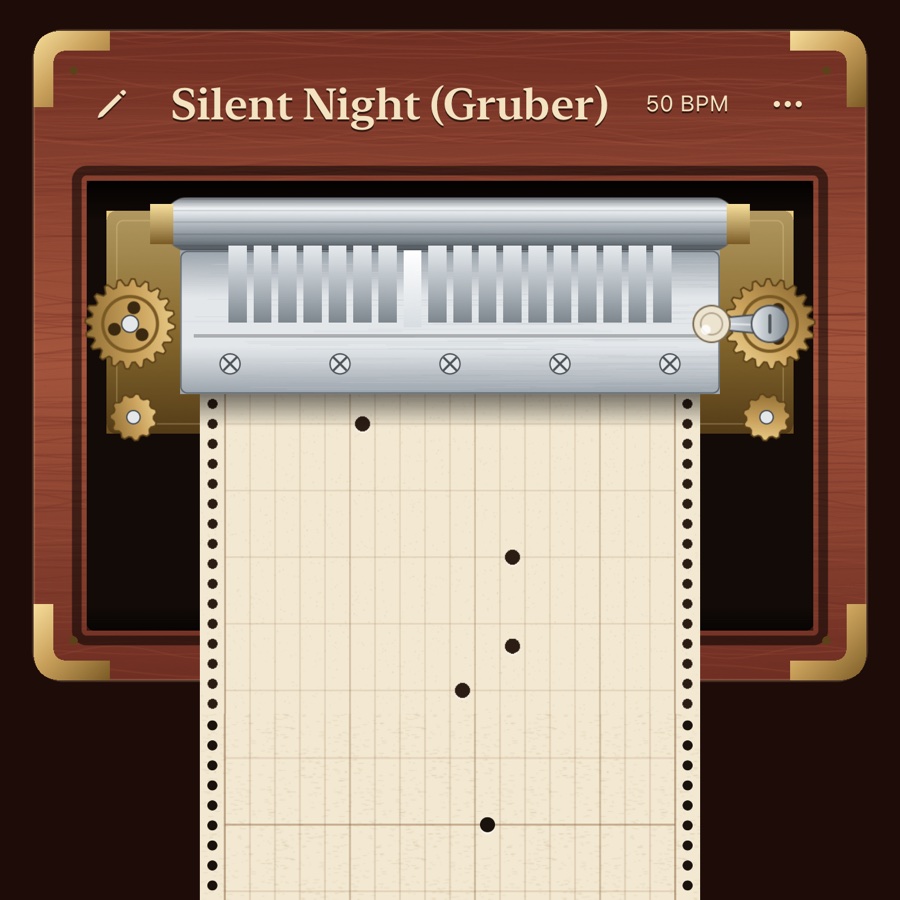
On iPhone Duo, open the phone a little and the box opens with a click. The paper tape runs under the comb, and the wider you open, the louder it plays. Close it and the music fades away.
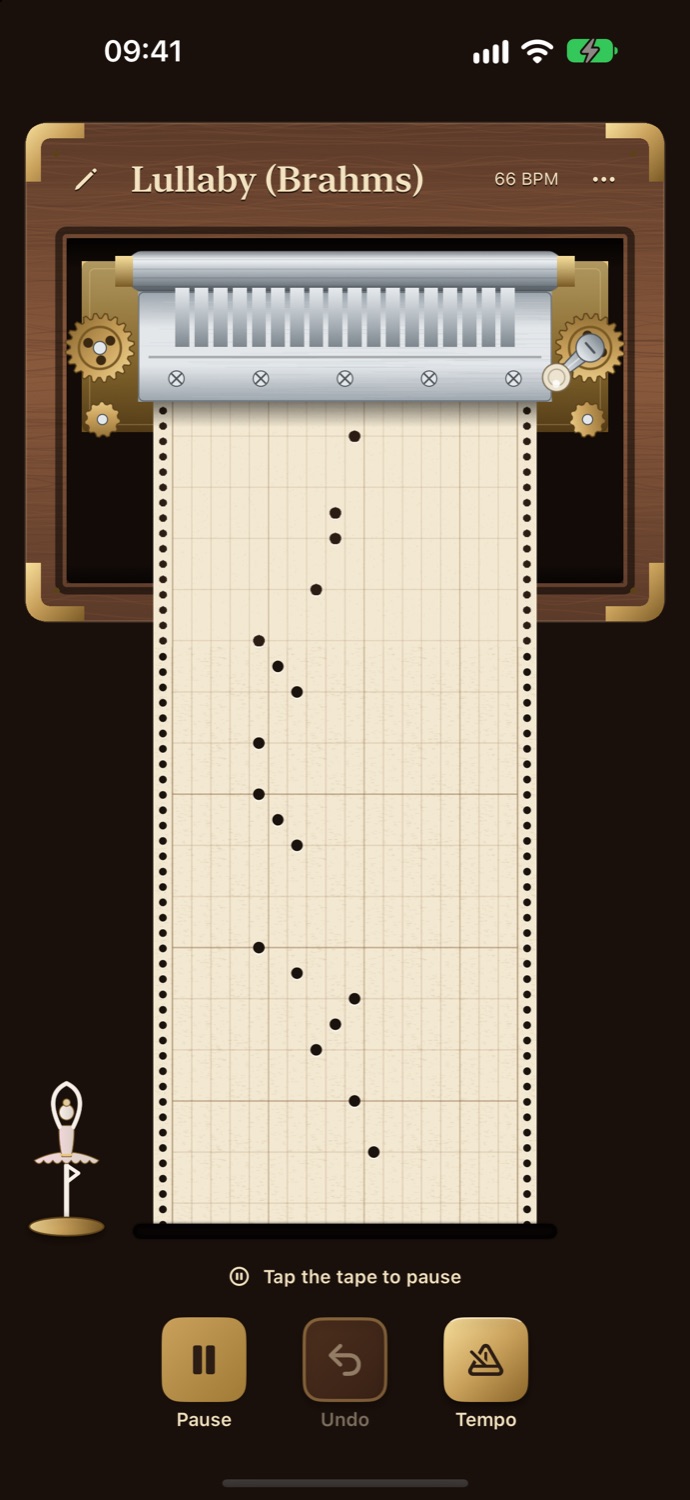
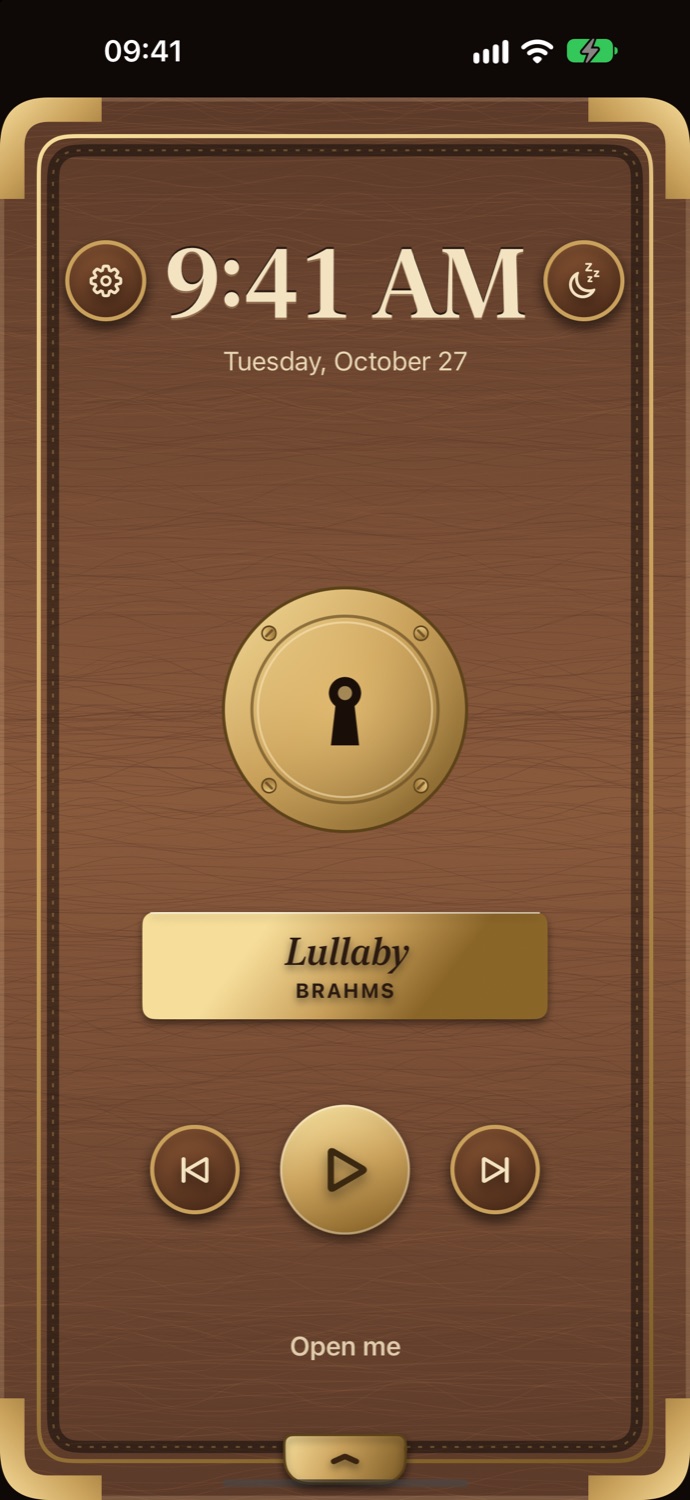
Sound on. Open the lid a little — the music box begins to play.
An iPhone Duo does this with its real hinge. On any other iPhone or iPad, swipe the lid to the left — try it on the phone: drag the lid.
02 / The box
Everything you would expect from a real one — and a few things only a phone can do.
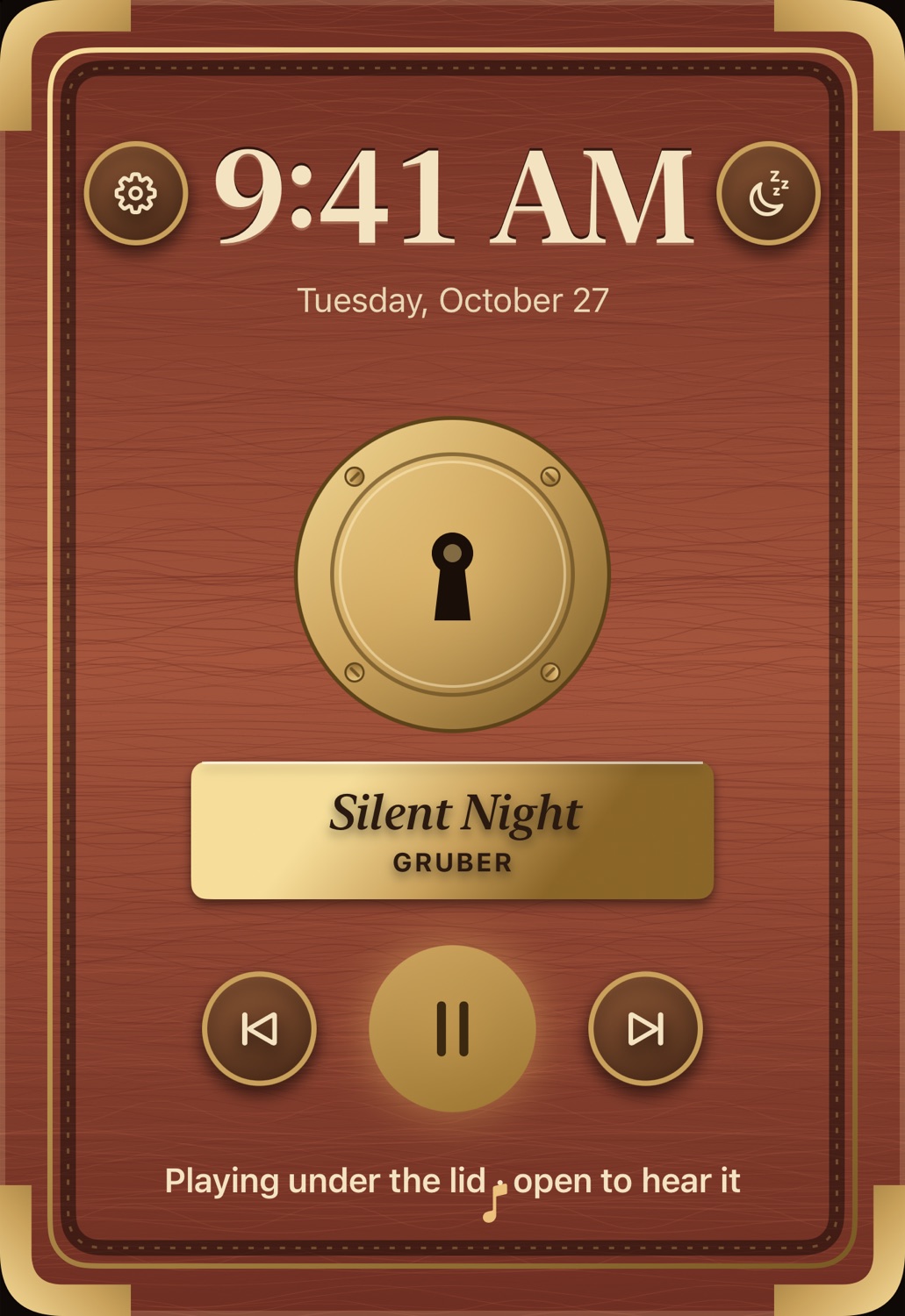
Folded, it’s still a music box
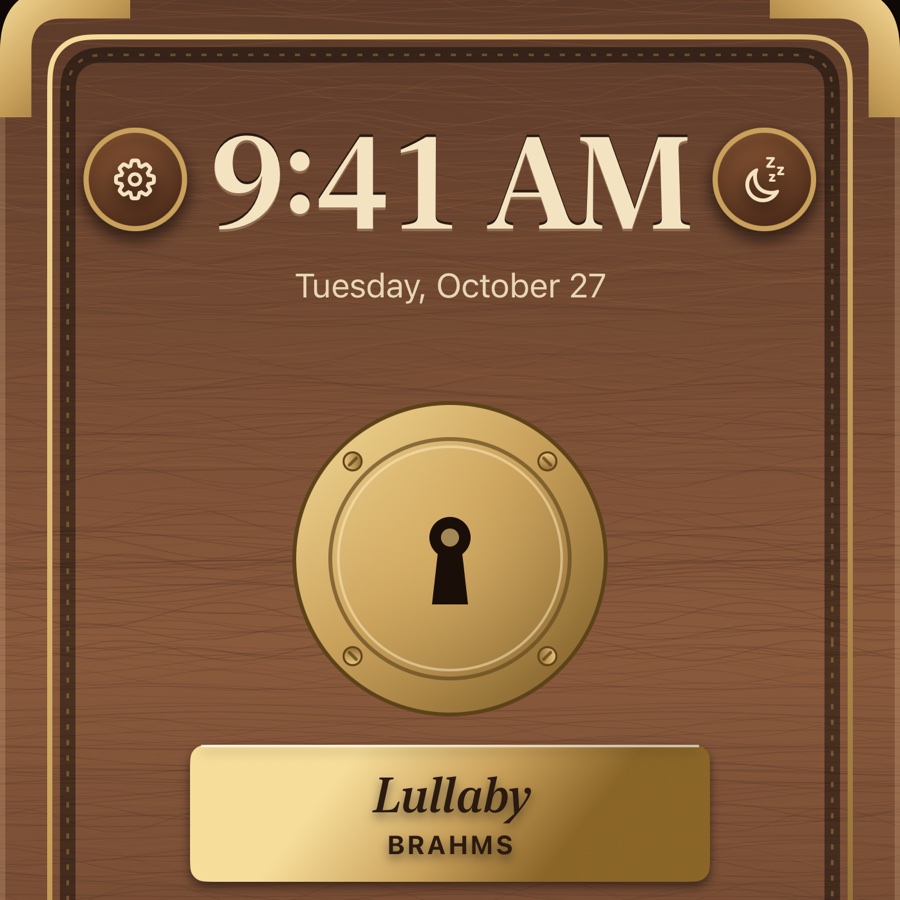
Folded, the outer screen shows the closed lid with a clock, a brass nameplate and three buttons: previous melody, next melody, or play without opening — the tune sounds muffled, as if from inside the box. Unfold the phone and it plays on in full voice.
Your tape, your tune
Tap the tape to punch a hole, or fill it with the eraser — changes save as you go. For bigger work, open the full editor: one column per tooth of the comb, one line per eighth note. Listen as you go, undo, change the tempo and the length — up to 64 bars. Choose 4/4, 3/4 or 6/8 and an 18-note or 30-note comb, or import a MIDI file and let the app arrange it for the comb.
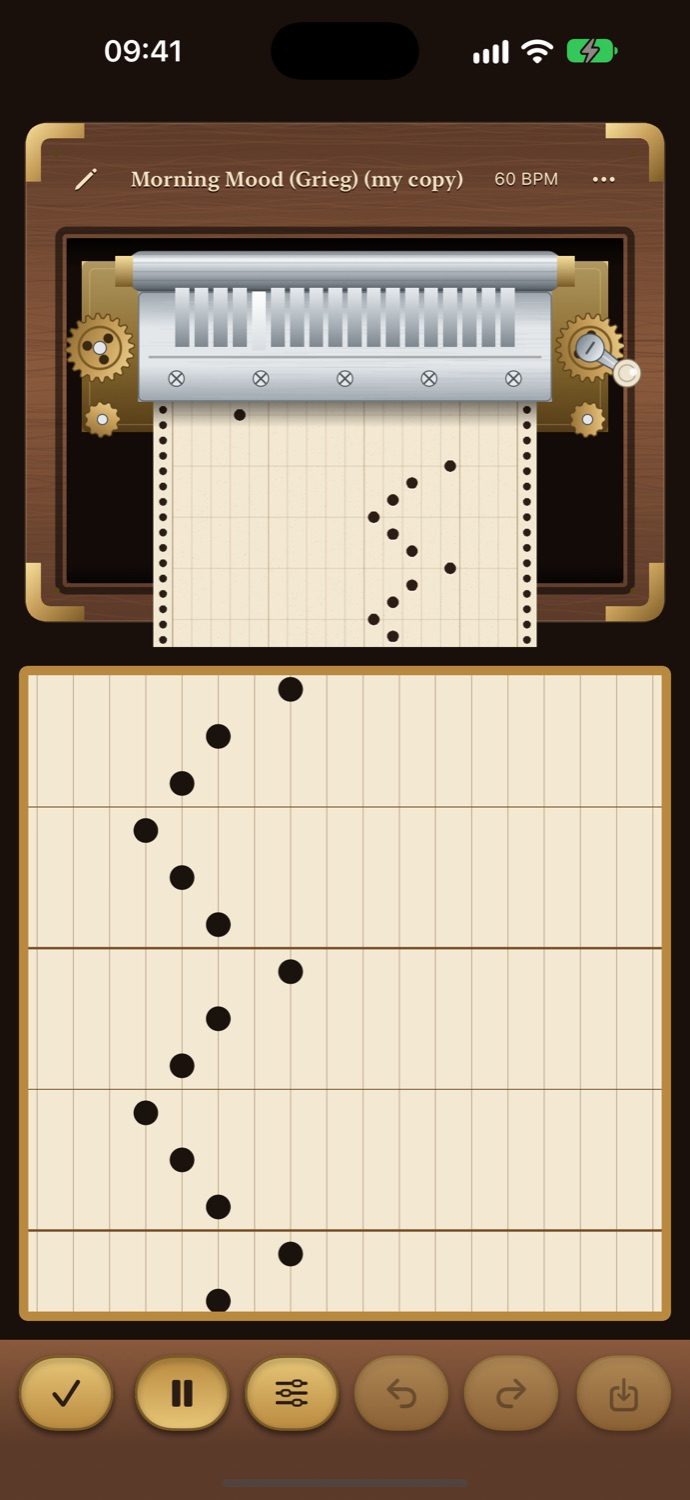
Turn the crank on the gear, clockwise. As the spring runs down, the tune slows and finally stops — just like the real thing. Prefer an endless tune? Switch the spring off in Settings.
The box keeps playing when the screen locks. Set the sleep timer — 15, 30, 45 or 60 minutes — and the tune fades out gently on its own.
Send a tape as a tiny file that opens straight in Music Box on a friend’s device, or record a 15-second video of the box playing it.
Clicks of the lid and the ratchet, haptics in time with the mechanism, VoiceOver and large text — in seven languages.
03 / Listen
Lullabies, classical pieces, holiday tunes and folk songs — including Japanese, German and French children’s songs — each newly arranged for a music-box comb. Press play: this is the app’s own sound engine.
Eight of the fifty-six, rendered offline by the app’s sound engine.
04 / Woods
Walnut, cherry, maple or ebony in Settings — and a figurine that turns beside the tape as the music plays: a dancer, a songbird or a carousel horse.
Walnut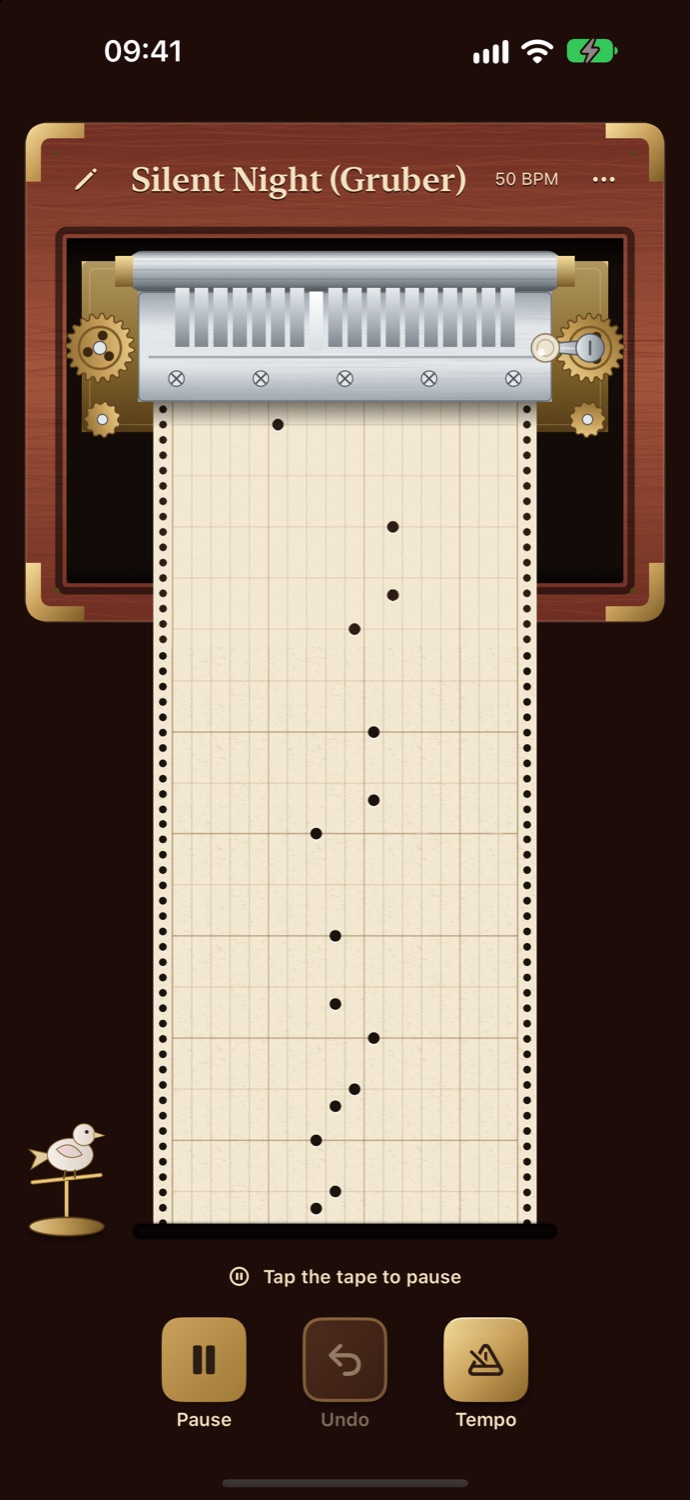 Cherry
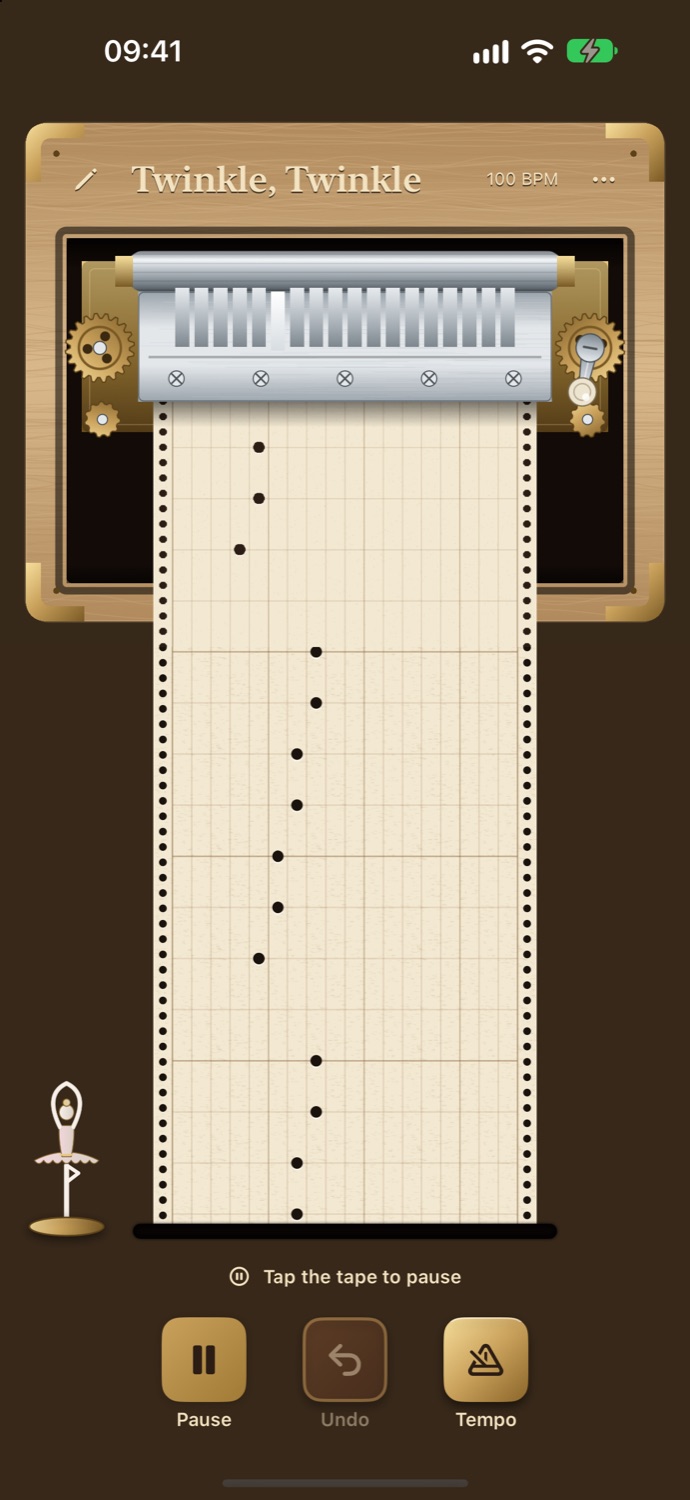 Maple
Maple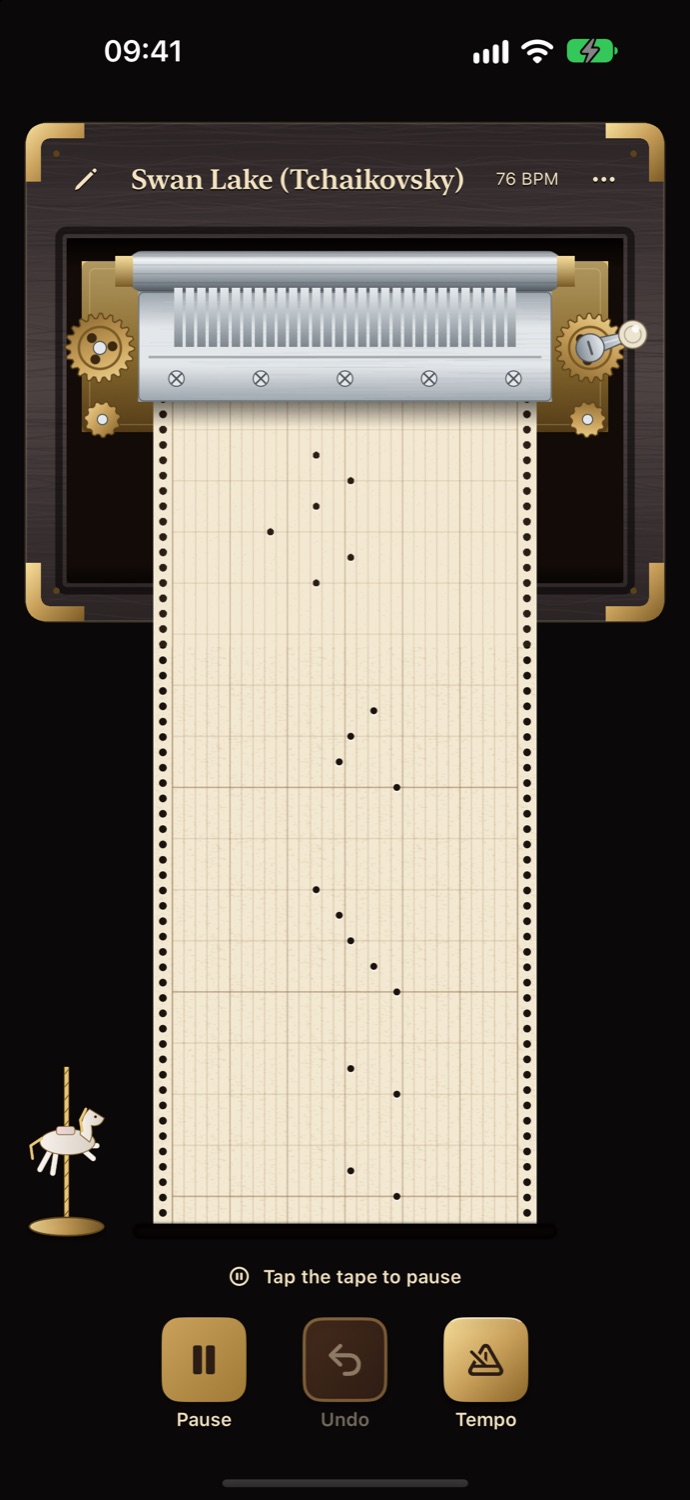 Ebony
Ebony05 / Every screen
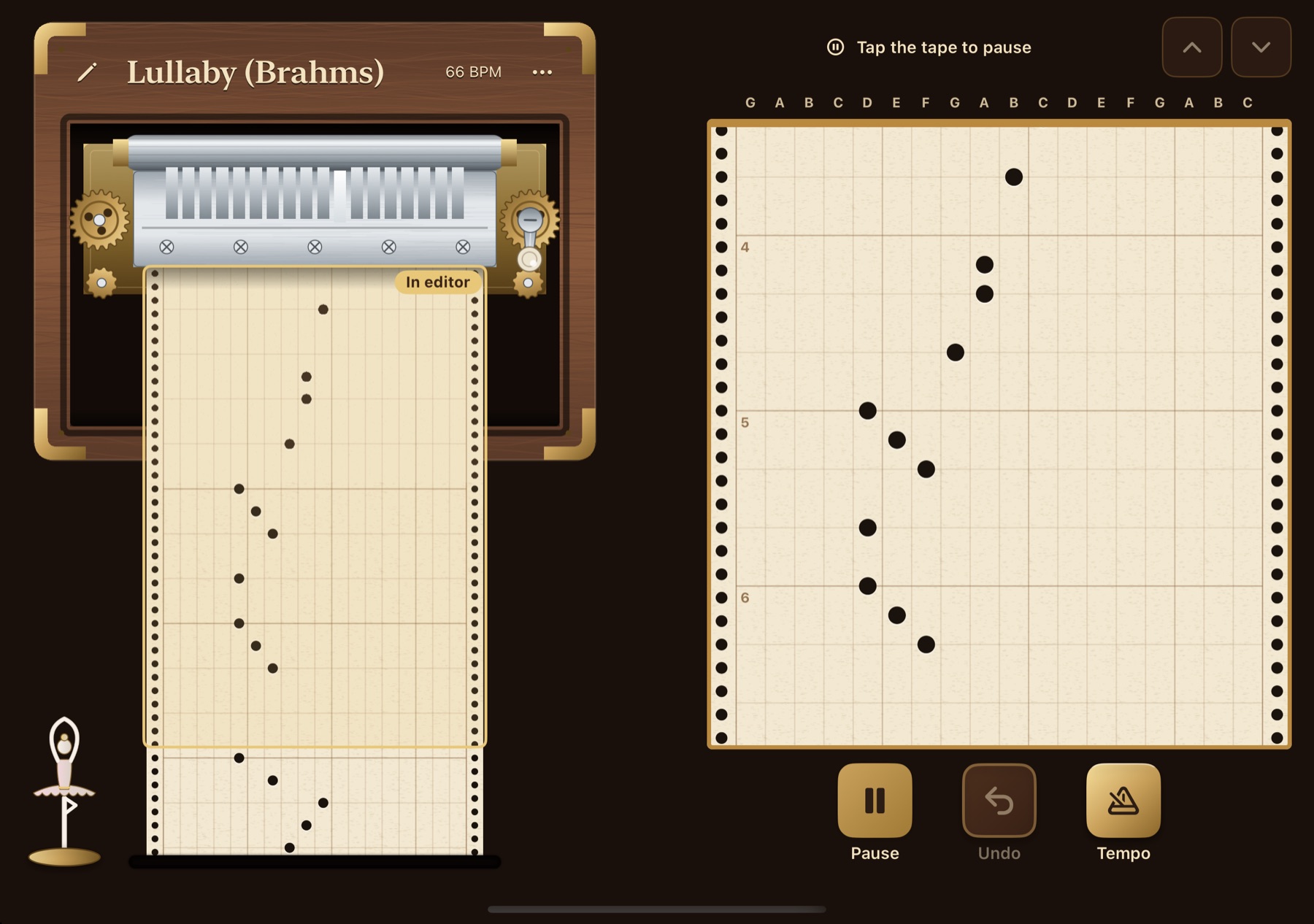
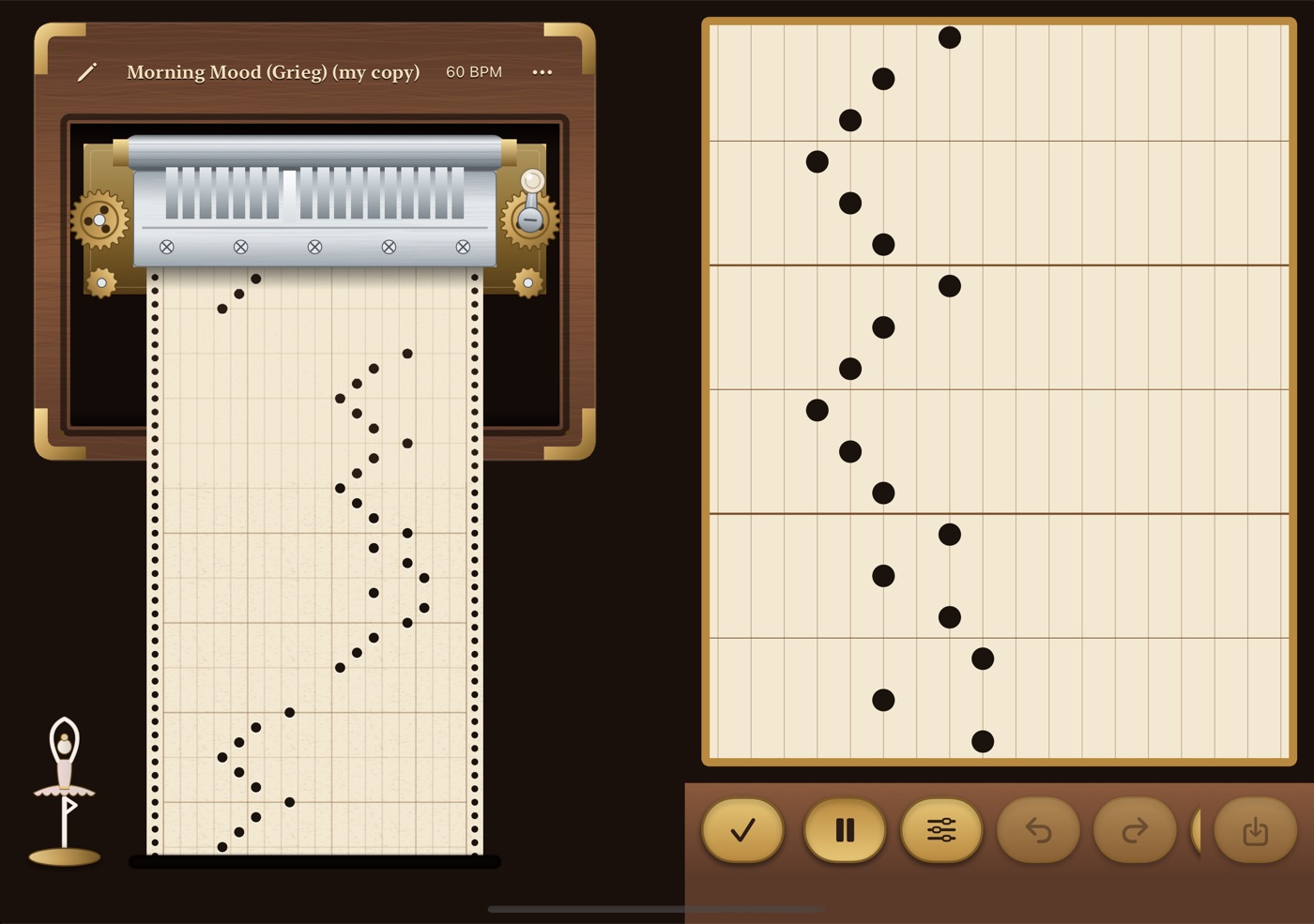
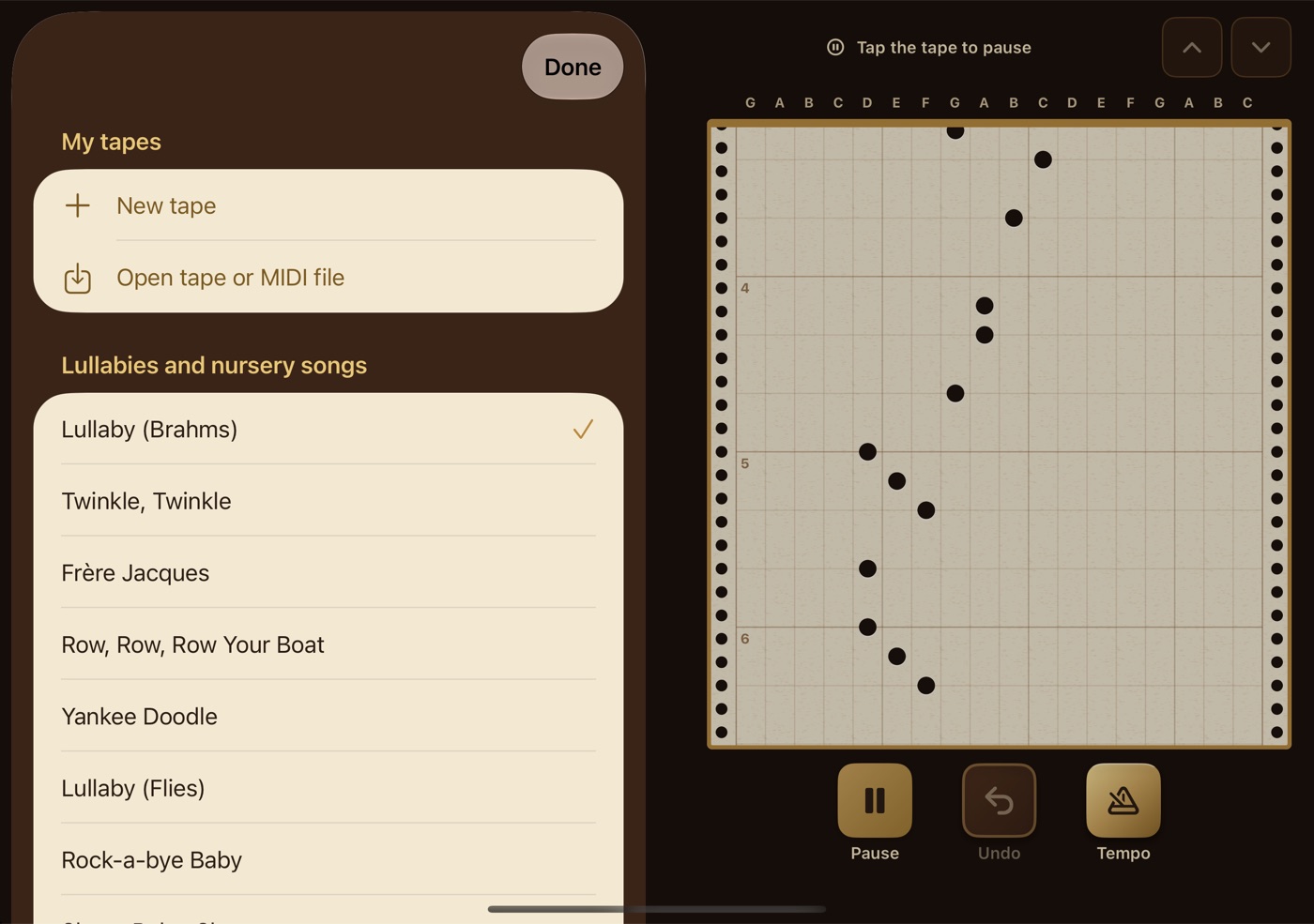
The hinge is the lid. Unfold a little and the box opens; fully open, the box sits beside the tape editor. Folded, the outer screen is the closed lid.
The same box, the same sound. Swipe the lid to the left to open it; swipe right from the left edge of the screen, or on the header, to close it.
A bigger workbench for punching tape — the box and the editor side by side in landscape.
All fifty-six melodies, four woods, three figurines, unlimited tapes and the video without a watermark. No in-app purchases, no ads, no account, no tracking — nothing leaves your device until you choose to share.